
Overview
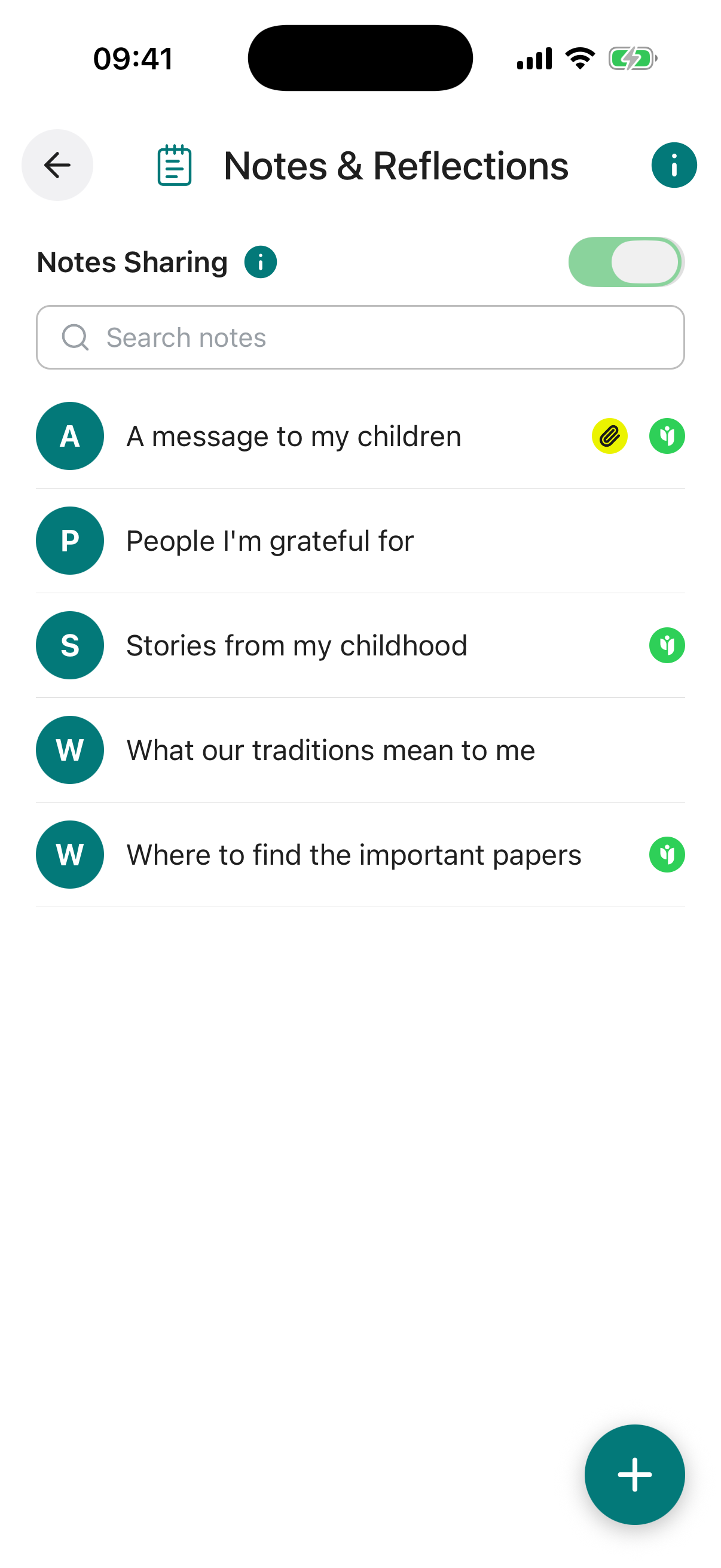
Notes & Reflections is the “everything else” feature in Inheritable. It provides a flexible, freeform space for recording anything that does not fit neatly into another category, from practical details like how to operate the house alarm or a list of subscriptions, to family recipes, genealogy records, or any important information you wish to carry forward.
Selected notes can be shared with trusted individuals such as family members at any time, supporting shared knowledge and planning rather than waiting until after your passing.
All entries are safeguarded with advanced encryption and row-level security, ensuring privacy and access solely for you or those you authorise.
Notes & Reflections is intentionally open-ended. Some ideas to get you started:
When the toggle is on, every item you have shared is visible to the contacts you chose. When it is off, nothing is shared with anyone, even if individual items still have contacts set.
Your per-item sharing choices are always preserved, so you can switch everything back on at any time without setting it all up again.
There is no limit to the number of notes you can add. Using the Category field to group entries makes it much easier to navigate a longer list. If something does not fit anywhere else in Inheritable, it belongs here.
Title required. A clear label for this note so you can find it easily in your list, for example “House Alarm Code” or “Family Apple Crumble Recipe”.
Note required. The full content of the note. This can be as brief or as detailed as you like, there is no limit.
Category. An optional label to group related notes together, for example “Family”, “Practical”, or “Financial”. Useful for keeping a longer list organised.
Share With. Choose a trusted contact to share this individual note with now. They will be able to view it through their Trusted Access view. The master Notes Sharing toggle must also be enabled for sharing to be active.
Reminder. Set an optional reminder for this note, with its own title, a short note, a date, and how often it should repeat (once, weekly, monthly, and so on). You can switch the reminder on or off at any time.
Attach Document / Photo / Video. Upload any supporting file alongside the note, such as a scanned document, photograph, or video. You can upload from your device or pull a file straight from your Digital Vault.