
Overview
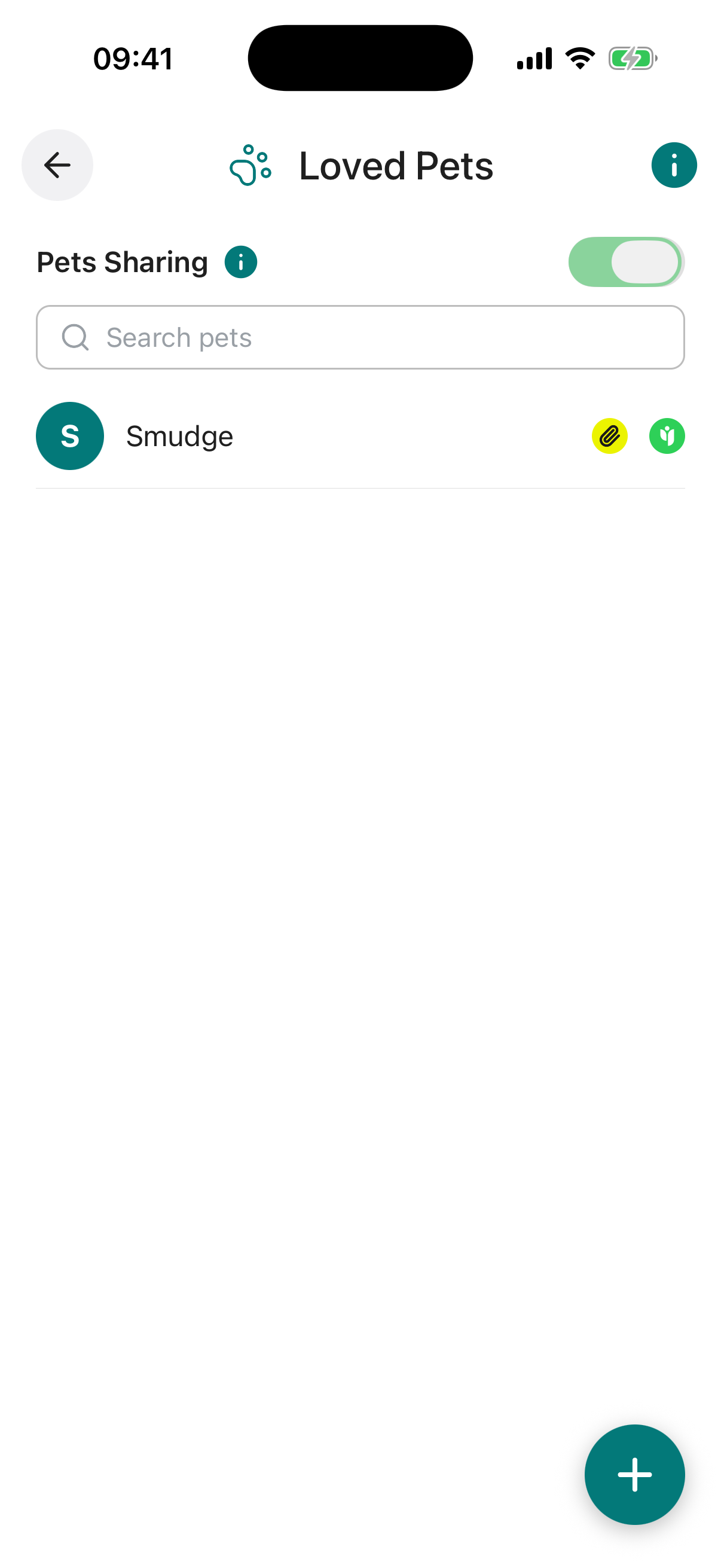
Loved Pets lets you record essential information about each of your pets, including who would care for them if you are unable to, along with veterinary details, dietary preferences, and microchip data. This ensures your companions are well looked after, with clear instructions available to whoever steps in.
Selected pet details can be shared now with trusted individuals, such as family members, to support collaborative planning. All information becomes available to your Digital Executors when required, facilitating a smooth transition.
All entries are safeguarded with advanced encryption and row-level security, ensuring privacy and access solely for you or those you authorise.
The Preferred Guardian field lets you nominate the person you would like to take responsibility for your pet if you are no longer able to care for them. This could be a family member, a close friend, or any trusted individual who has agreed to take on the role.
It is worth speaking with your chosen guardian in advance to make sure they are willing and able to care for your pet. Consider their living situation, lifestyle, and any existing pets or allergies before nominating them.
The Preferred Guardian field records your wishes only. To ensure your pet’s care is legally binding, you should include instructions in your will or discuss the arrangement with your solicitor.
When the toggle is on, every item you have shared is visible to the contacts you chose. When it is off, nothing is shared with anyone, even if individual items still have contacts set.
Your per-item sharing choices are always preserved, so you can switch everything back on at any time without setting it all up again.
Each pet should have its own entry so that details, guardians, and sharing settings can be managed individually. This makes it straightforward for a carer to find everything they need for a specific animal.
Pet Name required. The name of your pet as you would like them identified throughout Inheritable.
Breed / Type required. The species and breed of your pet, for example “Golden Retriever” or “Domestic Shorthair Cat”. This helps a guardian or carer understand the pet’s specific needs.
Diet & Food Preferences. Food brand, portion sizes, feeding schedule, treats, and any dietary restrictions or preferences your pet has.
Medical Notes / Allergies. Ongoing health conditions, medications, known allergies, vaccination history, or any other medical information a vet or carer should be aware of.
Insurance / Vet Details. Your vet’s name, clinic, and contact number, along with any pet insurance policy details. This ensures whoever steps in can access care quickly.
Microchip / ID. Your pet’s microchip number or any other identification reference such as a registration number or tag ID.
Preferred Guardian. The person you would like to take responsibility for this pet if you are unable to care for them. Select from your existing contacts.
Share With. Choose a trusted contact to share this pet’s details with now. They will be able to view the entry through their Trusted Access view. The master Pets Sharing toggle must also be enabled for sharing to be active.
Notes. Any additional information about your pet, such as their personality, routines, favourite toys, exercise needs, or anything else a new carer should know.
Reminder. Set an optional reminder for this pet, with its own title, a short note, a date, and how often it should repeat (once, weekly, monthly, and so on). Useful for vaccination or check-up dates. You can switch the reminder on or off at any time.
Attach Document / Photo / Video. Upload a photo of your pet, vaccination records, insurance documents, or any other relevant files. You can upload from your device or pull a file straight from your Digital Vault.