
Overview
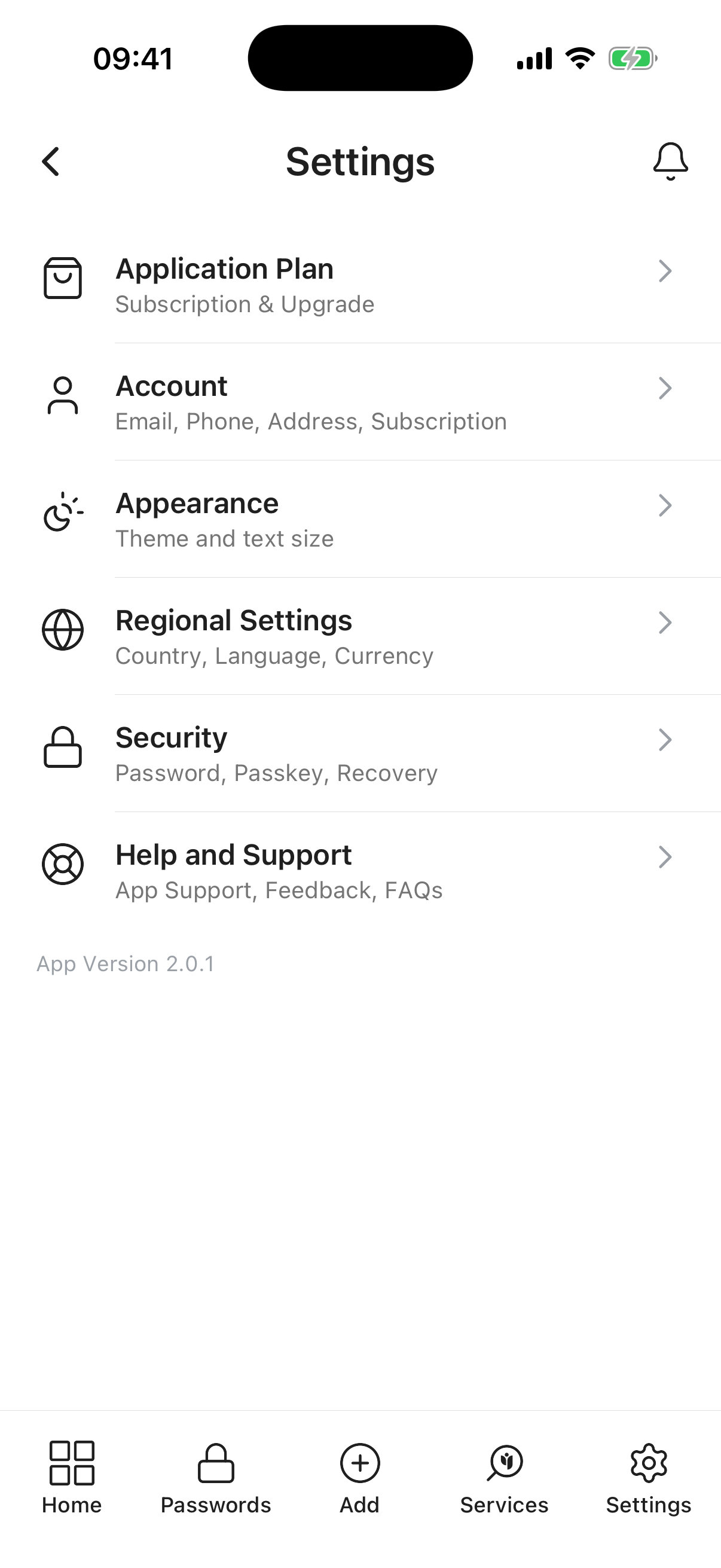
The Settings screen gives you control over your account, preferences, and how the app behaves. Tap any menu item to open that area.
This page shows the features available to you in Inheritable as a Free or Paid subscriber. Essence is our free plan and Legacy is the paid plan with expanded limits and storage. You can also see the differences between the Inheritable and VitaVault applications.
If you are not already a paid subscriber, please consider upgrading to help support us and provide you with a continuing great service.
Keep your details here. You can set your Name, Phone Number, Address and Location (typically used for services in Inheritable). Please keep these up to date, as in the event of needing to recover access to your account we may rely on information contained in this section.
You can also update your profile picture here to help your contacts recognise you more easily.
Appearance lets you tailor how Inheritable looks and reads. Choose a Theme of System (match your device), Light, or Dark, and pick a Text Size from Default up to Largest for more comfortable reading.
Your choice syncs with the Inheritable web portal so the app and the website stay consistent, and screens adopt your chosen theme and text size as they are rolled out.
Set Language, Country and Currency here. For the moment this is limited, but will expand as we ready the applications for international markets. If you have a specific preference for a language pack, please contact us and we’ll try to bump that up the list.
Configure all your access choices here: Passwords, PassKey, Two Factor Authentication and/or Biometric Access. Set a Recovery Phrase, and there is also an option to completely delete your account and all your details.
For full details, see the Account Security help page.
From here you can access our Help pages, provide Feedback about our apps and services, contact Support for any help you may need, view the Frequently Asked Questions, and access our Terms & Conditions and Privacy Policy pages.