
Overview
Live Forms gives you a growing library of ready-made forms for the practical paperwork that surrounds life and estate planning, all kept in one place and easy to complete. Choose a form, fill it in at your own pace, and save it to your account.
Each form is laid out with clear fields and guidance, so you always know what to enter. When you are ready, you can share a completed form with a trusted contact so they can see it through their Trusted Access view.
Tap the + button to add a form. You first choose where the form comes from:
Once you pick a form, it loads straight into the fill screen, ready for you to complete.
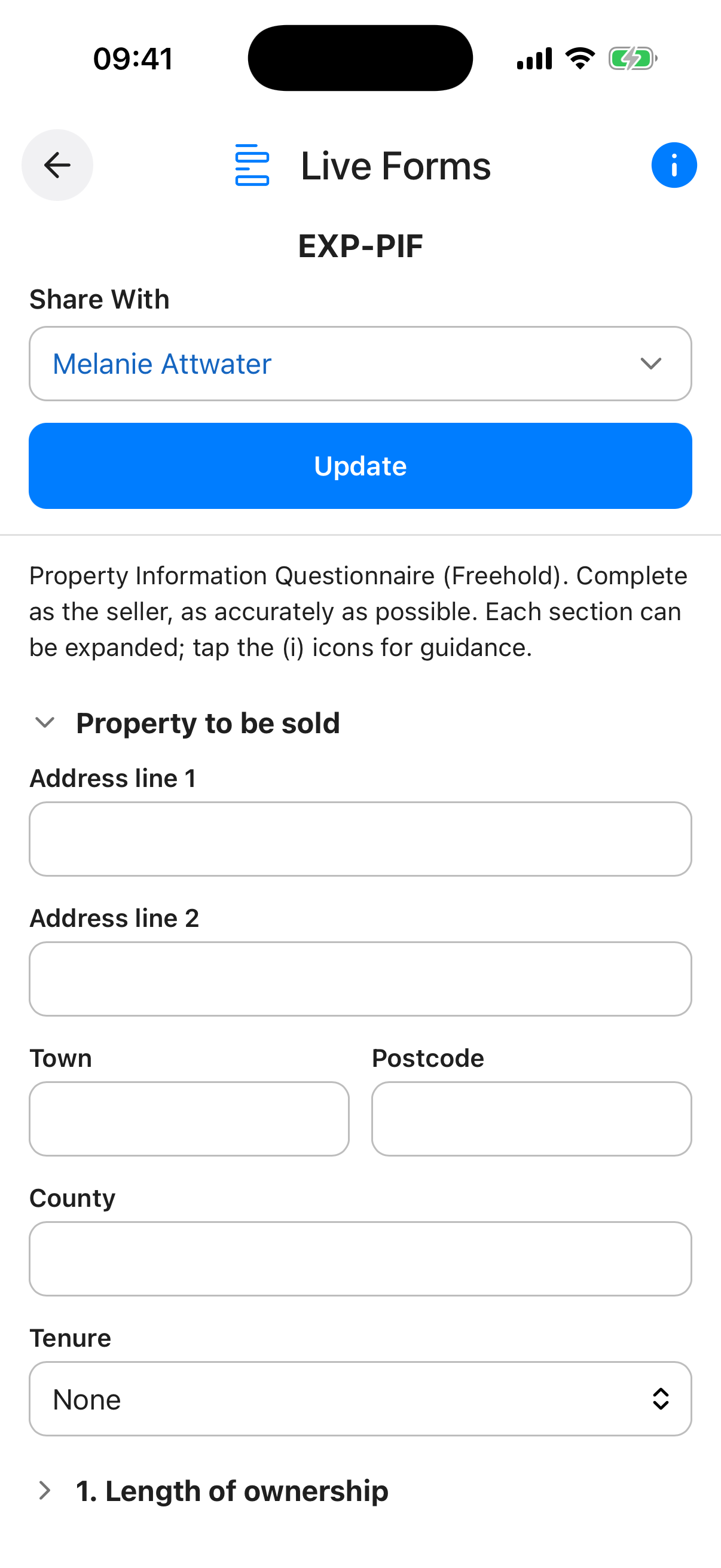
The form opens with its own set of fields laid out clearly. Complete as much or as little as you like, then save. You can reopen any saved form at any time to review or update your answers, and your changes are kept against that form.
To share a form, set a trusted contact in its Share With field. While the master Form Sharing toggle is on, that contact can view the completed form through their Trusted Access view. Set Share With back to Not Shared at any time to stop sharing it.
When the toggle is on, every item you have shared is visible to the contacts you chose. When it is off, nothing is shared with anyone, even if individual items still have contacts set.
Your per-item sharing choices are always preserved, so you can switch everything back on at any time without setting it all up again.
Live Forms is ideal for the structured details that are easier to capture as a simple form, ready to share with the right person when needed.
Live Forms is a growing feature. The library of ready-made forms is added to over time, and more options for completing and sharing forms are on the way, so it is worth checking back as Inheritable develops.
Form Sharing Toggle. A master switch for all form sharing. When off, no forms are shared with anyone, even if individual forms have a contact set. Your sharing settings are preserved so you can turn it back on at any time.
Saved Forms. Each form you have added is listed by name. Tap a form to open it and fill it in, or return later to update your answers.
Share Icon. A green Angel icon appears on entries that are actively shared with a contact.
Add (+) Button. Opens “Add a form”, where you choose a ready-made form to start with, or open a form file saved in your Digital Vault.
Inheritable Forms. A library of ready-made forms provided by Inheritable and Trusted Advisors, covering common needs such as next of kin, funeral wishes, or a medical summary. The list grows over time, so check back for new additions.
From your Digital Vault. Open a form file you have saved in your Digital Vault. This is handy when someone has sent you a form to complete, or when you want to reuse one you stored earlier.